 Testing
Necro
Testing
Necro
ARK: Survival Ascended cosmetic studio
Alpha Studios
Custom cosmetic worlds for ARK players.
Premium skin packs, themed build styles, creator assets, and launch updates built with a dark studio identity and sharp gold detail.
Next drop
Necro
See roadmap
Testing
Necro
 In development
Explorer
In development
Explorer
 Trailer soon
Dragonspire
Trailer soon
Dragonspire
 Planned
Outlaws
Planned
Outlaws
Ark
cosmetic mods
White
premium presentation
Gold
launch updates
Current Slate
Four themed releases moving toward launch.
Jump into the project line-up, check status, follow countdowns, and move straight into roadmap details.
Testing
Necro
Gothic cosmetic build and decor collection.
In development
Explorer
Backpacks, lighting, and practical survivor equipment.
Trailer soon
Dragonspire
Dragon-inspired build kit and fantasy decor.
Planned
Outlaws
Space pirate structures and frontier hideout styling.
Featured Release
Necro leads the first Alpha Studios launch wave.
Designed as a premium gothic cosmetic collection for ARK: Survival Ascended, Necro focuses on dramatic structures, dark decorative pieces, and official-server-friendly visual upgrades.
Official-server-focused cosmetics
Gothic build kit and decor
Testing and creator assets next
Testing phase in progress
Latest update
Studio hub upgraded
Forms, release alerts, gallery slots, trailer cards, and creator assets are now ready for deployment.
Next focus
Necro media pass
Add real screenshots, trailer stills, and reveal video IDs as soon as the assets are ready.
Community
Testing and feedback
Discord and Netlify Forms now give visitors clear paths to follow releases or contact the studio.
Studio style
Black, white, and edged with gold.
A polished hub for mod reveals, progress updates, creator assets, community testing, and release links as each project moves toward launch.
01
Design
Define the visual identity, theme, and player promise for each release.
02
Build
Build cosmetic kits, decor sets, structure skins, trailers, and launch materials.
03
Test
Gather player feedback, refine presentation, and prepare release links.
Why Alpha Studios
Theme-first cosmetic releases for ARK players.
Strong Themes
Each release has a clear visual identity, from gothic fortress pieces to space pirate hideouts.
Cosmetic Focus
Projects are positioned around visual upgrades, styling, and base personality without core balance disruption.
Community Loop
Testing, feedback, creator assets, and release alerts are built into the site from day one.
Ark Projects
Survival worlds, systems, and tools.
Track the Alpha Studios release slate, from Necro testing through upcoming cosmetic collections, screenshots, trailers, changelogs, and launch links.
Necro
Testing
Estimated release: July 2026
A gothic cosmetic build and decor collection moving through testing, with screenshots, trailer assets, and launch links coming as release gets closer.
Explorer
In development
Estimated release: August 2026
An explorer-focused cosmetic pack built around backpack styles, lighting details, and practical survivor equipment.
Dragonspire
Trailer soon
Estimated release: September 2026
A dragon-inspired cosmetic build kit planned for bold base styling, fantasy decor, and dramatic interior pieces.
Outlaws
Planned
Estimated release: November 2026
A space-pirate cosmetic collection planned around full build pieces, outlaw decor, and high-tech frontier styling.
Testing Updates
Development notes, testing requests, and community feedback for Necro and future Ark projects.
Join DiscordRelease Links
Workshop, CurseForge, install instructions, and changelogs can be added here when Necro is published.
Coming soonGallery Preview
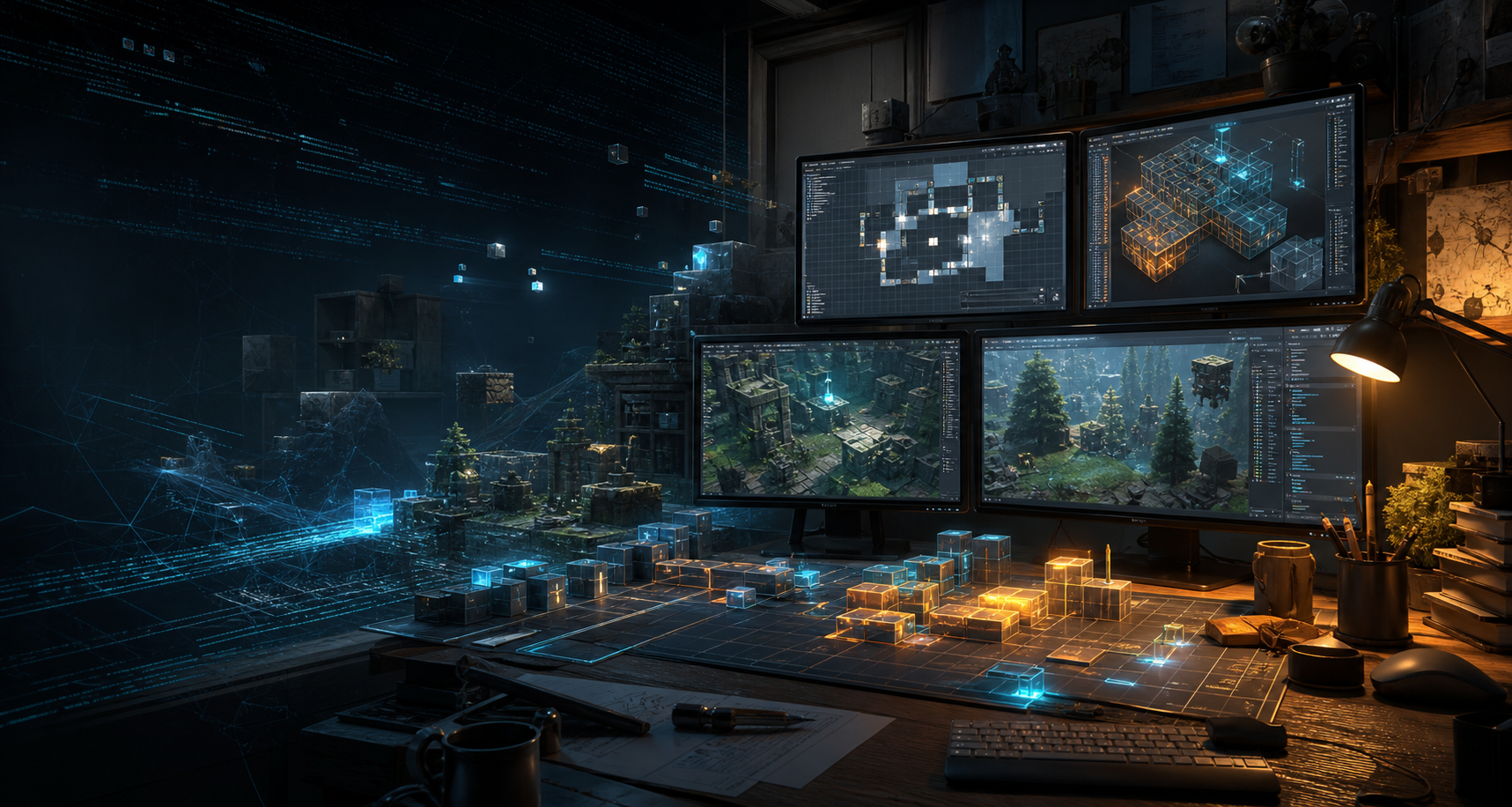
Project visuals, ready for real screenshots.
Use this area for work-in-progress images, reveal shots, cosmetic previews, and trailer stills as each mod gets closer to launch.
Testing
Necro reveal space
Gothic structures, dark decorative pieces, and official-server cosmetic previews can sit here when screenshots are ready.
Latest Updates
Development notes.
Studio hub upgrade
Gallery, trailer slots, countdowns, contact forms, status badges, and community sections added.
Necro testing push
Prepare screenshots, trailer assets, and final cosmetic compatibility notes for release.
Creator assets
Add downloadable logo packs, short descriptions, and mod screenshots for content creators and community posts.
FAQ
Quick answers.
Will Necro work on official servers?
Necro is planned as a Premium Custom Cosmetic-only mod, so it is designed around official-server compatibility.
Where will release links go?
Steam Workshop, CurseForge, install notes, and changelogs can be added to the Downloads card when each mod is live.
Can creators cover Alpha Studios mods?
Yes. The creator kit section gives creators a clear place to grab logos, descriptions, and contact details.
Road Map
From prototype to public release.
This section gives visitors a clear view of what Alpha Studios is working on now, what is being tested, and what will be released next.
Necro
Gothic Cosmetic Build & Decor Collection
Estimated release: July 2026
Transform your base into a dark and imposing fortress with Necro, a premium gothic-themed cosmetic skin collection for ARK: Survival Ascended.
Designed for survivors who embrace the darker side of ARK, Necro provides a complete visual overhaul for your base with beautifully crafted gothic architecture, eerie decorations, and themed functional structures. Create anything from a cursed castle hidden within the mountains to a sprawling necromancer's citadel worthy of commanding the dead.
Fully Skinned Build Kit
- Walls
- Foundations
- Ceilings
- Pillars
- Doorframes
- Gates and more
Skinned Functional Structures
- Replicator
- Smithy
- Chemistry Bench
- Storage and utility structures
- Additional functional skins planned throughout development
Dark Decorative Content
- Gothic wall lights
- Decorative statues
- Themed masks and wearable cosmetics
- Additional props designed to enhance the Necro atmosphere
Built for Official Servers
Necro is designed as a Premium Custom Cosmetic-only mod, meaning all structures and items are fully compatible with Official server settings. Enjoy a completely new aesthetic experience without affecting game balance, progression, or performance.
Explorer
Backpacks, Lighting & Tools Collection
Estimated release: August 2026
Explorer is an upcoming Alpha Studios Ark project focused on practical survivor style, giving players several different explorer backpacks with cool lighting and useful tool-themed details.
The mod is planned as a simple, lightweight collection for players who want their character to feel more prepared, equipped, and ready for expeditions across the Ark.
Explorer Backpacks
- Several backpack styles
- Adventure-ready cosmetic designs
- Lighting details for a stronger explorer look
- More backpack variants planned
Tools & Details
- Tool-themed cosmetic pieces
- Utility-inspired styling
- Exploration-focused visual details
- Simple additions for survivor loadouts
Future Development
- Additional backpack options planned
- More lighting styles planned
- Screenshots and trailer coming later
Built for Survivor Exploration
Explorer is planned as a simple cosmetic-focused mod, giving survivors more visual identity through backpacks, lighting, and tools without changing core progression or balance.
Dragonspire
Dragon-Inspired Build Kit & Decor Collection
Estimated release: September 2026
Dragonspire is the next Alpha Studios Ark project: a dragon-themed inspired build kit focused on bold base styling, fantasy architecture, and dramatic home decor.
Designed for survivors who want their base to feel powerful, mythical, and highly decorated, Dragonspire will bring a new visual style built around dragon-inspired structures, ornamental pieces, and interior design options.
Dragon Build Kit
- Walls
- Foundations
- Ceilings
- Pillars
- Doorframes
- Gates and themed structure pieces
Home Decor & Styling
- Dragon-inspired decorative pieces
- Interior styling props
- Fantasy home details
- Statement pieces for bases and halls
Future Development
- Additional decor planned
- More structure skins planned
- Trailer and screenshots coming later
Built for Visual Style
Dragonspire is planned as a cosmetic-focused project, giving survivors more ways to style their bases without changing core progression or balance.
Outlaws
Space Pirate Build Kit & Decor Collection
Estimated release: November 2026
Outlaws is an upcoming Alpha Studios Ark project built around space pirates, frontier hideouts, and high-tech raider style.
The mod is planned as a bold cosmetic-focused collection with structure pieces, decorative props, and themed details for survivors who want their base to feel like a pirate stronghold drifting at the edge of space.
Full Build Kit
- Walls
- Foundations
- Ceilings
- Pillars
- Doorframes
- Gates and themed structure pieces
Space Pirate Decor
- Pirate-inspired props
- Futuristic base decorations
- Outlaw hideout styling pieces
- Statement details for halls, docks, and raider rooms
Future Development
- Additional decorations planned
- More structure skins planned
- Trailer and screenshots coming later
Built for Space Pirate Style
Outlaws is planned as a cosmetic-focused mod, giving survivors a new way to build dramatic space pirate bases without changing core progression or balance.
Trailer System
Reveal videos can drop straight in.
Each slot is ready for a YouTube ID. Until then, it works as a clean reveal placeholder.
Necro Reveal
Trailer slot ready for the first public Necro reveal.
Explorer Reveal
Backpacks, lighting, and survivor tools can be shown here.
Dragonspire Reveal
Use this for fantasy build kit previews and cinematic shots.
Partnerships
Building with trusted communities.
Alpha Studios is partnered with ElementalLegion, working together to support community-focused Ark projects, testing, and future updates.
Visit ElementalLegion
Partnered Community
ElementalLegion
ElementalLegion is an official Alpha Studios partner, connected through shared support for Ark players, creators, and community-driven development.
Latest Partner Mods
ElementalLegion on CurseForge
 Ark Mod
Cyberpunk Clothing
A collection of high quality cyberpunk clothing and signage to help survivors stand out.
View Cyberpunk Clothing Ark Mod
Tribal
New building styles, exotic decorations, clothing outfits, and themed structure skins.
View Tribal Ark Mod
Tiki Life
Tiki styles, summer vibes, a full build kit, decorations, and structure skins.
View Tiki Life Ark Mod
Holiday Haven
Holiday-themed decorations, a full building kit, and functional structure skins.
View Holiday HavenMod Help Centre
Setup help for players and server owners.
A practical guide for ARK: Survival Ascended custom cosmetics, install issues, whitelists, dynamic downloads, server setup, and support requests when players get stuck.
ARK: Survival Ascended custom cosmetics setup
Use this page when cosmetics are not appearing, the mod browser looks frozen, a server needs whitelist setup, or players need a clear path from install to testing.
My mods
Necro: ID coming soon
Explorer: ID coming soon
Dragonspire: ID coming soon
Outlaws: ID coming soon
Install from the in-game mod browser
Custom cosmetics are installed client-side through the in-game mod browser. They do not need to be added to the server mod list like standard mods.
Let the install finish
The mod store page can freeze or fail to update live. Wait around 5-10 minutes, then check the mod page again until it says installed.
Test in single player first
Join a quick single player game and check Inventory, Cosmetics, Apply Cosmetics. If it appears there, the client install is working.
Where custom cosmetics should work
Official PvE
Cosmetics should work. If they do not load, test single player first, then reinstall because the install may be corrupted.
Official PvP
Support varies by mod. If a cosmetic is not approved for PvP, it will not work on official PvP servers.
Custom PvE
Most default PvE servers need no extra setup. If the server only allows specific cosmetics, the admin must whitelist the mod.
Custom PvP
If the cosmetic does not show, the server may need a whitelist entry through the host settings or GameUserSettings.ini.
Custom modded assets
Custom cosmetic skins are built for official ARK assets. They may not work on custom modded structures such as CS or TPC because those assets use separate file setups controlled by their own mod creators.
Using Wildcard official whitelists
If you want the standard lists maintained by Wildcard, use the official whitelist URLs and enable custom cosmetic validation on the server.
Resource links
Use Wildcard's official PvE or PvP whitelist URLs inside GameUserSettings.ini, then restart the server.
Configuration steps
- Open GameUserSettings.ini.
- Add the correct CosmeticWhitelistOverride line under [ServerSettings].
- Add -DoCustomCosmeticValidation to the server startup command line.
- Restart the server.
- Test with one player before announcing the change.
Official PvE whitelist
Use this for PvE servers that should follow Wildcard's official PvE cosmetic list.
CosmeticWhitelistOverride="https://cdn2.arkdedicated.com/asa/OfficialPVECosmeticWhitelist.txt"Official PvP whitelist
Use this for PvP servers that should follow Wildcard's official PvP cosmetic list.
CosmeticWhitelistOverride="https://cdn2.arkdedicated.com/asa/OfficialCosmeticWhitelist.txt"Startup command line flag
This flag enables custom cosmetic validation.
-DoCustomCosmeticValidationCreating a personal custom whitelist
Use this when you want to curate a specific list of allowed cosmetics instead of using the full official Wildcard list.
Requirements
- A hosted .txt file online, such as GitHub, Pastebin, or your own website.
- Four data points for each entry: Mod ID, dynamic download value, non-data-only blueprint value, and calculated package CRC.
- The CRC changes whenever the mod updates, so copy entries from Wildcard's official list where possible.
Example entry format
A hosted custom whitelist file should match Wildcard's format, with only the mods you choose.
1069156|1|1|207706625*4096717469Final implementation
Once the text file is hosted, add its URL under [ServerSettings], save, restart, and test before sending players to the server.
CosmeticWhitelistOverride="https://yourwebsite.com/mycustomlist.txt"Common problems to check first
The install page looks frozen
This is common in the mod browser. Wait 5-10 minutes, go back to the mod page, and look for the installed status.
The cosmetic folder is not appearing
Loading speed depends on hardware, internet speed, mod size, and how many mods are installed. Test single player first and give larger mods several minutes.
Friends cannot see my skinned base
Make sure dynamic downloading is enabled, the server has custom cosmetics enabled, and your friend has had enough time to download the cosmetic.
Blocks are invisible after an update
Reinstall the mod. This can happen when an asset is replaced or changed during a patch.
The mod is stuck in an install loop
Uninstall and reinstall from the in-game browser. If that fails, delete the mod ID folder from your local ARK mods folder, restart, and reinstall.
Do I add custom cosmetic skins to the server mod list?
No. They are installed client-side through the in-game mod browser. Adding them to the server mod list can cause problems.
Tools and extra checks
These tools are separate mods supported by their own creators. They are not official-server skins, but they may help on custom servers when applying or cycling cosmetics.
Cycle skin variants on PC
- Build your structure and apply the base skin.
- Walk up to it and press or hold E.
- Click the gear icon.
- Look for Variant and click to cycle options.
Nitrado and GTX reminders
On Nitrado, make sure Disable Custom Cosmetic System is turned off. On GTX PvE servers, no additional setup should be required. For PvP, add the whitelist entry and make sure the skin ID is not listed as a standard server mod.
Send a support request
If the guide does not solve it, send the details below so Alpha Studios can understand the setup quickly.
Player FAQ
Known questions, clear answers.
Quick information for players, testers, creators, and server communities using Alpha Studios custom cosmetic skin packs.
What are Alpha Studios mods?
Alpha Studios mods are custom cosmetic skin packs for ARK: Survival Ascended, designed to change the look and theme of structures, decor, and survivor style without acting as gameplay overhauls.
Are these standard gameplay mods?
No. They are cosmetic skin packs. They are intended for visual styling, themed bases, and presentation rather than changing balance, progression, or core gameplay systems.
Will all Alpha Studios packs work the same way?
The goal is for every Alpha Studios release to follow the custom cosmetic skin-pack approach, but each project may have its own theme, supported assets, release notes, and compatibility details.
Will they work on official servers?
Official-server-friendly cosmetic support is the goal. Some situations, especially PvP or whitelist-controlled servers, may still depend on the specific pack and server settings.
Where will download links be posted?
Release links can be added to the Ark Projects and Contact sections once each mod is published on supported platforms.
Will the site show changelogs?
Yes. The Latest Updates area is already set up for development notes, release changes, and testing announcements.
How do I get release alerts?
Use the Release Alerts form on the Contact Details tab. After deployment, it submits through Netlify Forms.
What projects are planned?
Necro, Explorer, Dragonspire, and Outlaws are listed as Alpha Studios custom cosmetic skin-pack projects, each with its own theme and estimated release window.
Can players help test?
Testing interest can be sent through the Message Alpha Studios form or through the Discord community.
Where should feedback go?
Use Discord for community discussion and the contact form for direct feedback, setup issues, or bug notes.
Can server owners ask compatibility questions?
Yes. Server owners can use the contact form and include their setup, platform, and the project they are asking about.
Is there a Discord?
Yes. The site links to the Alpha Studios Discord for release updates, testing news, and community conversation.
Can creators cover Alpha Studios mods?
Yes. The creator kit includes logo and artwork downloads, with a request link for more assets.
Where are press assets?
The Press & Creator Kit is on the Contact Details tab and includes downloadable Alpha Studios assets, with more pack-specific assets added as releases get closer.
Can community owners contact Alpha Studios?
Yes. Community owners can use the contact form for creator assets, mod questions, testing interest, or release information.
Can I request screenshots or trailer material?
Yes. Use the creator kit request link or contact form to ask for screenshots, logos, trailer assets, or launch information.
Still need help?
Ask directly or join the community.
Use Contact Details for private messages, or Discord for public updates and player discussion.
Contact Details
Reach the studio.
Send creator requests, testing interest, setup questions, or release questions straight to Alpha Studios.
Community Hub
Creators, testers, and ARK players welcome.
Use the forms below to start a conversation or join release alerts for upcoming Alpha Studios projects.
Email
awinders1992@live.co.uk
Discord
Join Alpha Studios
Downloads
Necro release links soon
Twitch
twitch.tv/alphawindz
YouTube
@AlphaWindzz
X
@AlphaWindz
Press & Creator Kit